
Keeping your computer running smoothly is essential, especially when you rely on it daily for work, communication, or entertainment. Over time, even the best machines can slow down, freeze, or behave unpredictably. The good news is that many common PC issues can be resolved with simple home PC maintenance services. By performing regular tune-ups and cleanups, you can extend your computer’s life and improve its performance without needing to replace hardware or spend a fortune.
In this post, I’ll walk you through practical steps to enhance your PC’s performance right at home. Whether you’re a homeowner, remote worker, or small business owner in Athol, Orange, Gardner, or nearby towns, these tips will help you keep your system in top shape.
Why Home PC Maintenance Services Matter
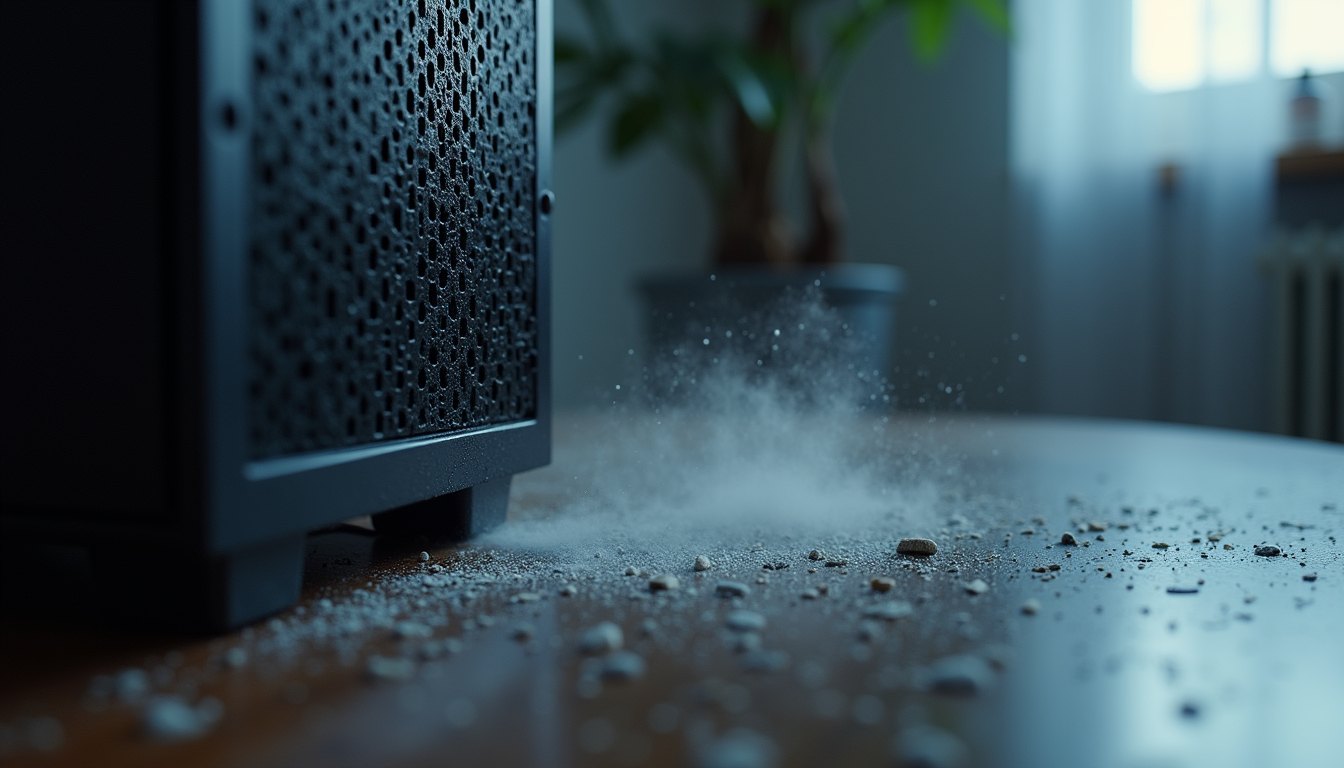
Regular maintenance is like giving your computer a health check. Just as you wouldn’t skip oil changes for your car, your PC needs routine care to avoid problems. Dust buildup, software clutter, and outdated drivers can all slow down your machine.
Home PC maintenance services include tasks such as cleaning physical components, updating software, removing unnecessary files, and optimizing settings. These actions help your computer:
- Boot faster
- Run applications smoothly
- Avoid crashes and freezes
- Stay secure from malware and viruses
Taking a little time to maintain your PC can save you from costly repairs or replacements later. Plus, it ensures your work and personal projects go uninterrupted.
Simple Steps to Tune Up Your PC at Home
You don’t need to be a tech professional to perform a basic tune-up. Here’s a straightforward routine you can follow:
1. Clean the Physical Components
2. Uninstall Unnecessary Programs
3. Manage Startup Programs
4. Update Your Software and Drivers
5. Run Disk Cleanup and Defragmentation
6. Scan for Malware and Viruses
7. Backup Important Data
If you prefer, you can also consider a pc tune up service at home to have these tasks done professionally and conveniently.

How much does it cost to have someone clean your PC?
Hiring a professional to clean and tune up your PC can vary in price depending on the services offered and your location. Typically, a basic cleaning and tune-up service ranges from $75 to $150. This usually includes:
- Physical cleaning of internal components
- Software cleanup and optimization
- Virus and malware scanning
- System updates and driver installations
More comprehensive services, such as hardware repairs or data recovery, will cost extra. Some providers offer mobile or remote services, which can add convenience but may affect pricing.
If you’re in the Athol, MA area or nearby towns, local technicians often provide competitive rates and personalized service. It’s worth comparing options and reading reviews to find a reliable provider.
Tips to Keep Your PC Running Smoothly Long-Term
Once you’ve completed a tune-up, maintaining your PC’s performance is easier with these habits:
- Regularly update software: Set your system to update automatically.
- Avoid installing unnecessary programs: Only download trusted software.
- Keep your desktop organized: Too many files on your desktop can slow down your PC.
- Use a surge protector: Protect your hardware from power surges.
- Restart your PC regularly: This clears temporary files and refreshes system resources.
- Monitor your system’s health: Use built-in tools or free apps to check performance and storage.
By following these simple practices, you can prevent many common issues and enjoy a faster, more reliable computer.
When to Seek Professional Help
While many tune-up tasks are easy to do at home, some problems require professional attention. Consider reaching out for help if you notice:
- Persistent overheating or loud fan noise
- Frequent crashes or blue screen errors
- Hardware failures like a broken hard drive or faulty RAM
- Complex software issues or virus infections that won’t go away
A professional can diagnose and fix these problems safely and efficiently. They can also provide ongoing support to keep your system running smoothly.
Regular maintenance combined with timely professional support is the best way to protect your investment and avoid downtime.
Taking care of your PC doesn’t have to be complicated or expensive. With a little effort and the right approach, you can enhance your computer’s performance and enjoy a smoother experience every day. Whether you choose to do it yourself or use a pc tune up service at home, keeping your system clean and optimized is a smart move for any user.
Essential Steps for Home PC Maintenance Services
Here’s a straightforward guide to tune up your PC at home. You don’t need to be a tech whiz to follow these steps.
1. Clean Your Computer Physically
Dust and debris inside your PC can cause overheating and hardware issues. Start by turning off your computer and unplugging it. Use a can of compressed air to blow dust out of vents, fans, and other components. Avoid using a vacuum as it can create static electricity.
If you have a laptop, clean the keyboard and screen gently with appropriate wipes. Keeping your PC physically clean helps it run cooler and quieter.
2. Remove Unnecessary Programs
Over time, you may install programs you no longer use. These take up space and can slow down your system. Go to your Control Panel or Settings and review the list of installed programs. Uninstall anything you don’t need.
Be cautious not to remove essential system software. If unsure, look up the program online before deleting it.
3. Manage Startup Programs
Many programs launch automatically when you start your PC. This can increase boot time and use up memory. Open your Task Manager (Ctrl + Shift + Esc) and go to the Startup tab. Disable programs that don’t need to start immediately.
This simple step can speed up how quickly your computer is ready to use.
4. Update Your Software and Drivers
Keeping your operating system and drivers up to date is crucial for security and performance. Check for Windows updates regularly and install them. Also, visit your hardware manufacturer’s website to download the latest drivers.
Updated software fixes bugs and improves compatibility with new applications.
5. Run Disk Cleanup and Defragmentation
Windows includes tools to clean up temporary files and optimize your hard drive. Use Disk Cleanup to remove junk files, and if you have a traditional hard drive (not SSD), run Disk Defragmenter to organize data efficiently.
These tools help free up space and improve read/write speeds.
6. Scan for Malware and Viruses
Malware can severely impact your PC’s performance and compromise your data. Use a trusted antivirus program to scan your system regularly. Many free options are available, or you can use the built-in Windows Defender.
If you find threats, follow the program’s instructions to remove them promptly.
7. Backup Important Data
Regular backups protect you from data loss due to hardware failure or malware. Use an external hard drive or cloud storage to save copies of your important files. Set a schedule to back up automatically if possible.
Knowing your data is safe gives peace of mind and reduces stress.
When to Consider a Professional PC Tune-Up
While many maintenance tasks are easy to do at home, some situations call for professional assistance. Consider reaching out if:
- Your PC is overheating despite cleaning
- You experience frequent crashes or blue screens
- Hardware components need replacement or upgrades
- You want to set up secure backups or networking
- You prefer a thorough diagnostic and tune-up without hassle
In these cases, a pc tune up service at home can save you time and ensure your computer is in good hands. Professionals have the tools and experience to handle complex issues safely.
Keeping Your PC Healthy Long-Term
Maintenance is not a one-time task. To keep your PC running well, make these habits part of your routine:
- Clean your PC physically every 3-6 months
- Review installed programs and startup items quarterly
- Check for software updates monthly
- Run antivirus scans weekly
- Backup important files regularly
By staying consistent, you’ll avoid many common problems and enjoy a faster, more reliable computer.
Taking care of your PC at home is easier than you might think. With a little time and attention, you can enhance your computer’s performance and avoid costly repairs. Whether you choose to do it yourself or get help from a local service, maintaining your PC is a smart investment in your productivity and peace of mind.
Recent Posts
When your computer stops working, it can disrupt your day and slow down your productivity. Whether you rely on your device for work, communication, or entertainment, getting it fixed quickly and relia