
Printer not working?
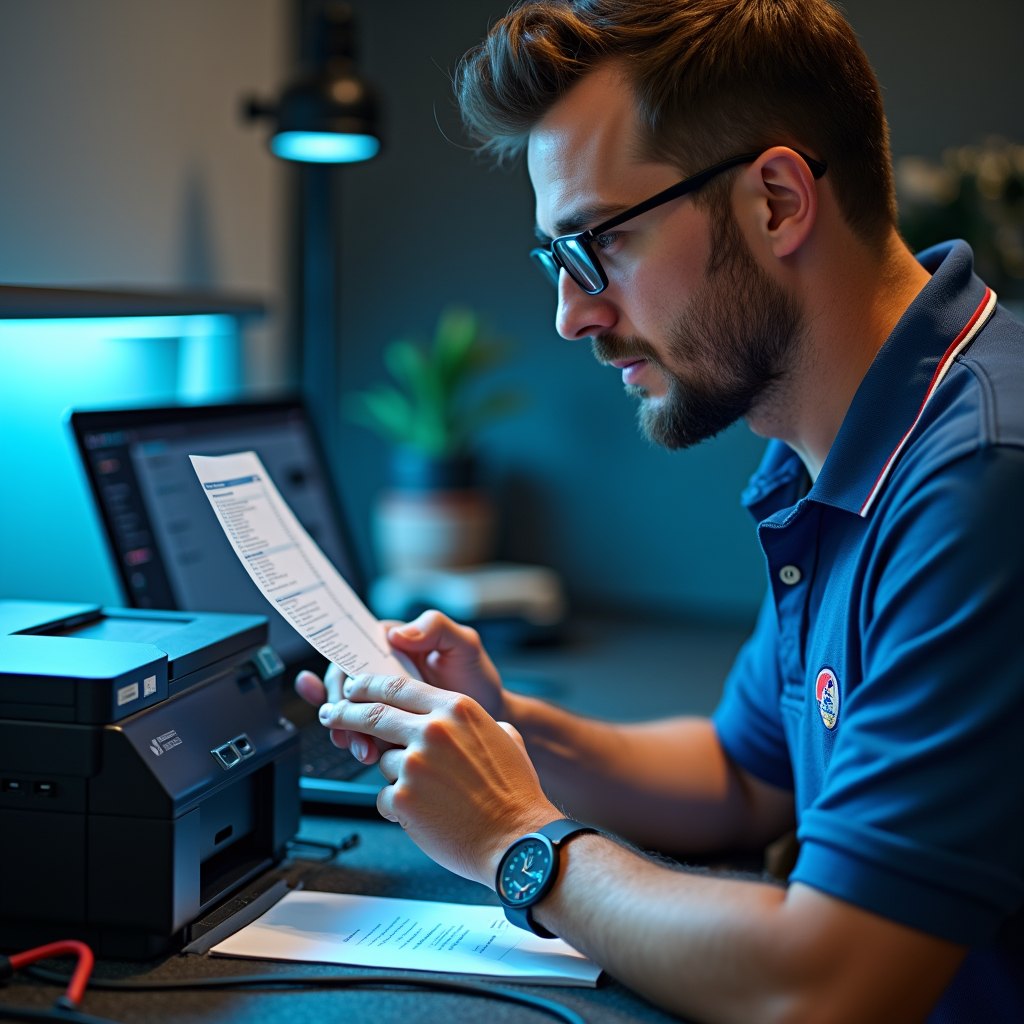
Printer won't connect, shows offline, or simply won't print? We come to your home or office and get it working.
Printers are one of the most frustrating pieces of technology to deal with — one day they work fine, the next they won't respond at all. Mike Cote Tech LLC provides in-home printer setup and troubleshooting for customers in Athol and nearby Massachusetts towns. Whether you've just bought a new printer and can't get it connected, or your existing printer has suddenly stopped working, we diagnose and fix the problem at your location.
We work with all major printer brands including HP, Canon, Brother, Epson, and Lexmark, for both home and small business customers. We also offer remote support for printer issues that can be resolved without a visit.
Serving Athol, Gardner, Orange, Templeton, Winchendon, Westminster, Leominster, Fitchburg, Lancaster, Ashburnham, Ashby, Hubbardston, Petersham, Barre, Worcester, Shrewsbury, Clinton, Rutland, and Holden.
Call (978) 763-6164.
Available Evenings & Weekends: Mon–Fri 7pm–11pm · Sat–Sun 11am–11pm
(Evening and weekend appointments — because your tech problems don't keep office hours.)
WHAT WE FIX AND SET UP
New printer setup:
- Unbox and hardware assembly (if needed)
- Driver download and installation on Windows PCs and laptops
- Wireless network connection and Wi-Fi configuration
- USB connection setup
- Test print and print quality check
- Setup on multiple computers in your home or office
- Scanning and fax feature configuration
Printer troubleshooting & repair:
- Printer showing as offline — diagnosis and fix
- Printer connected but won't print
- Print jobs stuck in the queue
- Wireless connection dropped or won't reconnect
- Driver errors and software conflicts
- Paper jam diagnosis and guidance
- Print quality issues (streaking, fading, smearing)
- Printer not recognized after Windows update
- Error codes and blinking light diagnosis
Brands we support: HP · Canon · Brother · Epson · Lexmark · Xerox · Samsung (now HP) · Dell
HOME VS. BUSINESS PRINTER SUPPORT
Home users:
Getting a new all-in-one printer connected to your home Wi-Fi and working on your laptop shouldn't take all afternoon. We set it up quickly and make sure scanning and all the features you need are working before we leave.
Small businesses:
Office printer problems stop work. We set up and troubleshoot office printers, connect them to your network, configure shared printing across multiple workstations, and resolve driver conflicts that prevent printing after Windows updates.
REMOTE PRINTER SUPPORT
Driver issues, software conflicts, stuck print queues, and offline printer errors can often be resolved in a remote session without a technician visit. If you'd like to try remote support first, call us and we'll assess whether your issue is a good candidate.
Frequently asked questions
My printer shows as offline even though it's on and connected — what's wrong?
I got a new printer but can't get it to connect to my Wi-Fi — can you help?
My printer worked fine until Windows updated — now it won't print. Why?
Can you set up my printer to work wirelessly from multiple computers?
Do you fix inkjet and laser printers?
Can you help with scanning as well as printing?
Do you support Mac computers with printers?
Do you carry printer ink or toner?
Printer not working? Don't spend another hour troubleshooting — call us.
(978) 763-6164 ·
Available Evenings & Weekends: Mon–Fri 7pm–11pm · Sat–Sun 11am–11pm
(Evening and weekend appointments — because your tech problems don't keep office hours.)
- Turn a Raspberry Pi Into an AirPrint Print Server — Make a non-AirPrint printer appear on every iPhone and iPad in the house.