WHAT REMOTE SUPPORT COVERS
Fast help for software issues, email problems, and Windows troubleshooting — without leaving home.
Many common tech problems can be solved in a single remote session without a technician visit. Mike Cote Tech LLC offers secure remote support for customers in Athol and nearby Massachusetts towns who need fast help with software issues, email setup, account access, Windows configuration, and general computer troubleshooting.
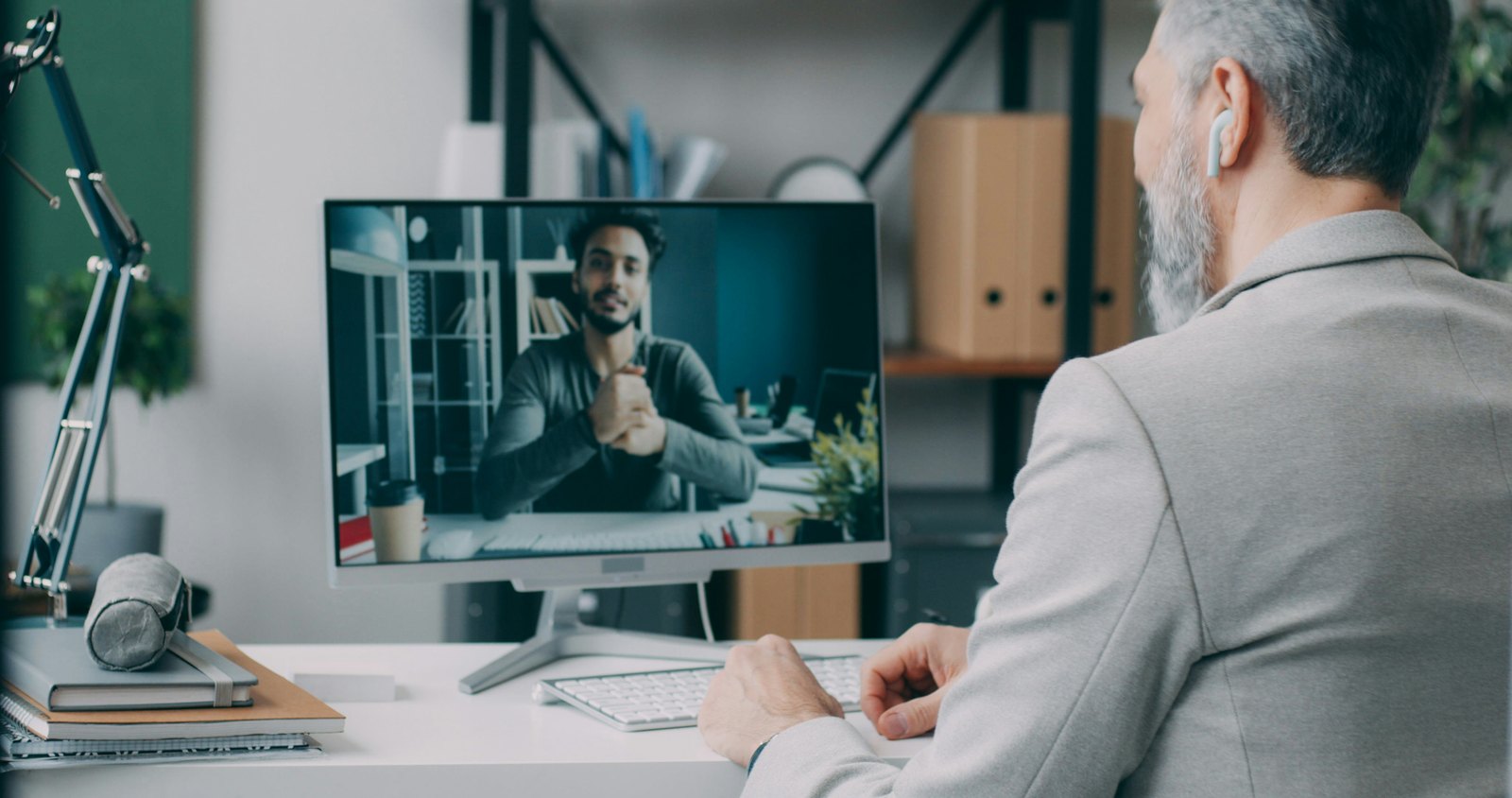
Here's how it works: you call or book a session, we connect to your computer using a secure remote tool, and you watch and stay in control the entire time. You can disconnect at any moment. Most software issues are resolved in one session.
Serving Athol, Gardner, Orange, Westminster, Leominster, Fitchburg, Lancaster, Clinton, Worcester, and surrounding north-central Massachusetts towns.
Need fast remote help? Call (978) 763-6164.
Available Evenings & Weekends: Mon–Fri 7pm–11pm · Sat–Sun 11am–11pm
(Evening and weekend appointments — because your tech problems don't keep office hours.)



Remote Support Can Resolve
- Email setup, troubleshooting, and account access
- Windows 10 and Windows 11 issues and upgrades
- Software installation, updates, and conflicts
- Account lockouts and password reset help
- Browser problems (Chrome, Edge, and others)
- Microsoft Office and Google Workspace issues
- QuickBooks and small business software help
- WordPress and website account support
- Printer driver and configuration help (HP, Canon, Brother, Epson)
- Facebook, Gmail, and Google account support
- Blue screen errors and startup troubleshooting
- General performance and settings issues
HOW A REMOTE SESSION WORKS
Secure, Simple, and You're Always in Control
Step 1 — Contact us
Call (978) 763-6164 or book online. Describe the issue and we'll confirm whether it's a good candidate for remote support.
Step 2 — Connect
We'll walk you through downloading a small, temporary remote tool (like AnyDesk or a similar trusted app). No technical experience needed — it takes about two minutes.
Step 3 — Watch us work
You can see everything we do on your screen in real time. You stay in control and can end the session at any time by closing the app.
Step 4 — Problem solved
Once the issue is resolved, the remote session ends and the connection tool can be removed from your computer.
Frequently asked questions
Is remote access safe?
Do I need to install anything?
What if my problem requires an on-site visit?
What are your hours for remote support?
Can you help small businesses remotely?
Need fast remote help?
Call (978) 763-6164.
- Read Blue Screen Dump Files With BlueScreenView — Find out what actually caused a crash before booking a session.