Start using your new computer the same day
A new computer takes hours of updates, sign-ins and settings before it feels like yours. We do all of it on-site, then move everything from your old computer so nothing gets left behind.
What's included
- Windows setup, all updates and your accounts signed in
- Removing trial software and junk that slows it down
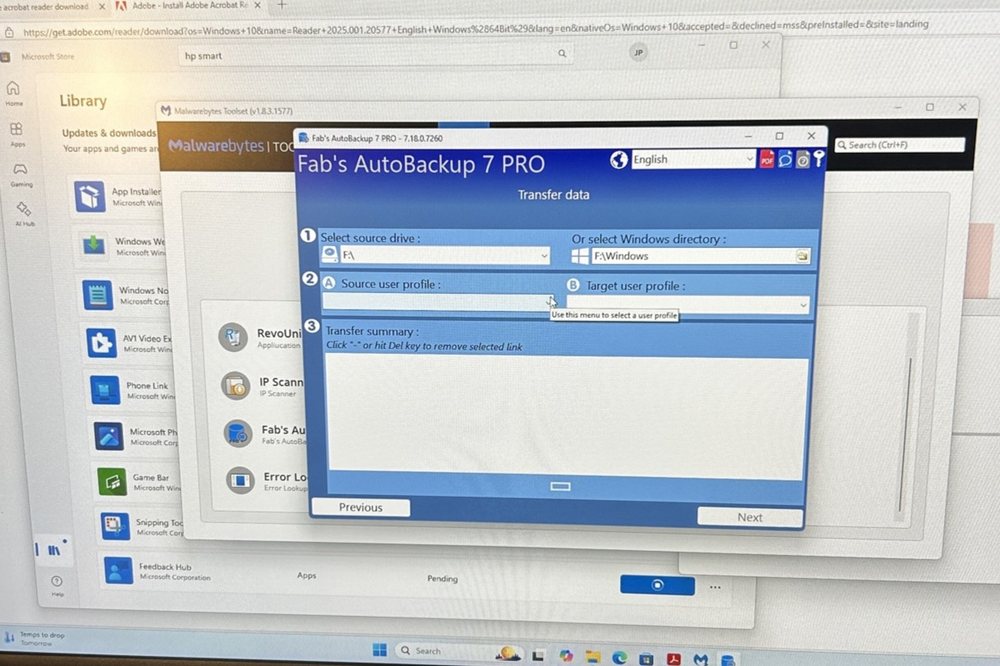
- Moving documents, photos, music, email and browser bookmarks and passwords
- Reinstalling the programs you use (you'll need any license keys you have)
- Printers, scanners and Wi-Fi connected
- Antivirus and an automatic backup set up
- Wiping the old computer's data if you're selling, donating or recycling it
For offices too
Setting up several workstations or a new employee's computer? We handle accounts, shared folders, printers and security for the whole office. See managed IT for businesses.
Still on Windows 10?
If you're replacing a computer because Windows 10 lost support, read your Windows 10 options first. An upgrade may be enough.
Questions people ask
How long does new computer setup take?
Usually one to three hours, depending on how much data there is to move and how many programs need installing.
Can you move everything from my old computer?
Files, photos, email, bookmarks and saved passwords can almost always be moved. Programs are reinstalled fresh, which needs their license keys or account logins.
What happens to my old computer?
We can wipe your data from it so it's safe to sell, donate or recycle.
How much does it cost?
$80 for the first hour and $40 per additional half hour, quoted before extra time.
Book your new computer setup
Bring us the new box; we'll do the rest at your place.